Free OnlineAI Academic Poster Generator
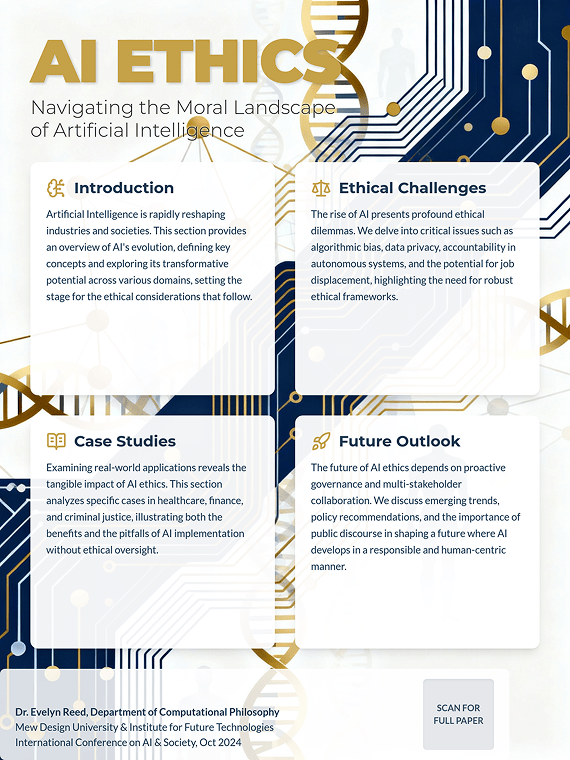
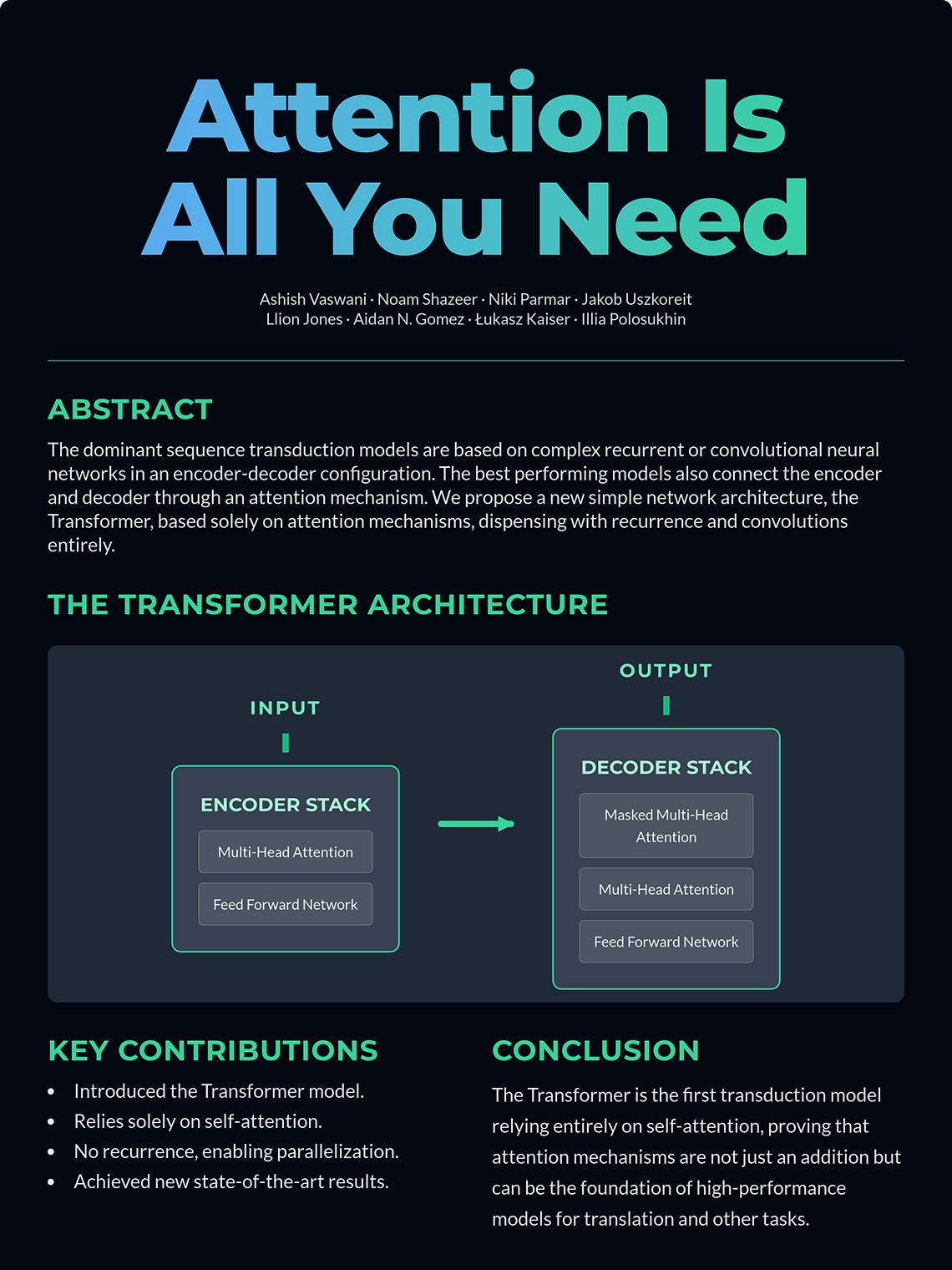
How To Create Your Academic Poster with AI
Sign Up and Get Free AI Credits
Write Your Poster Prompt
Generate Your Research Poster
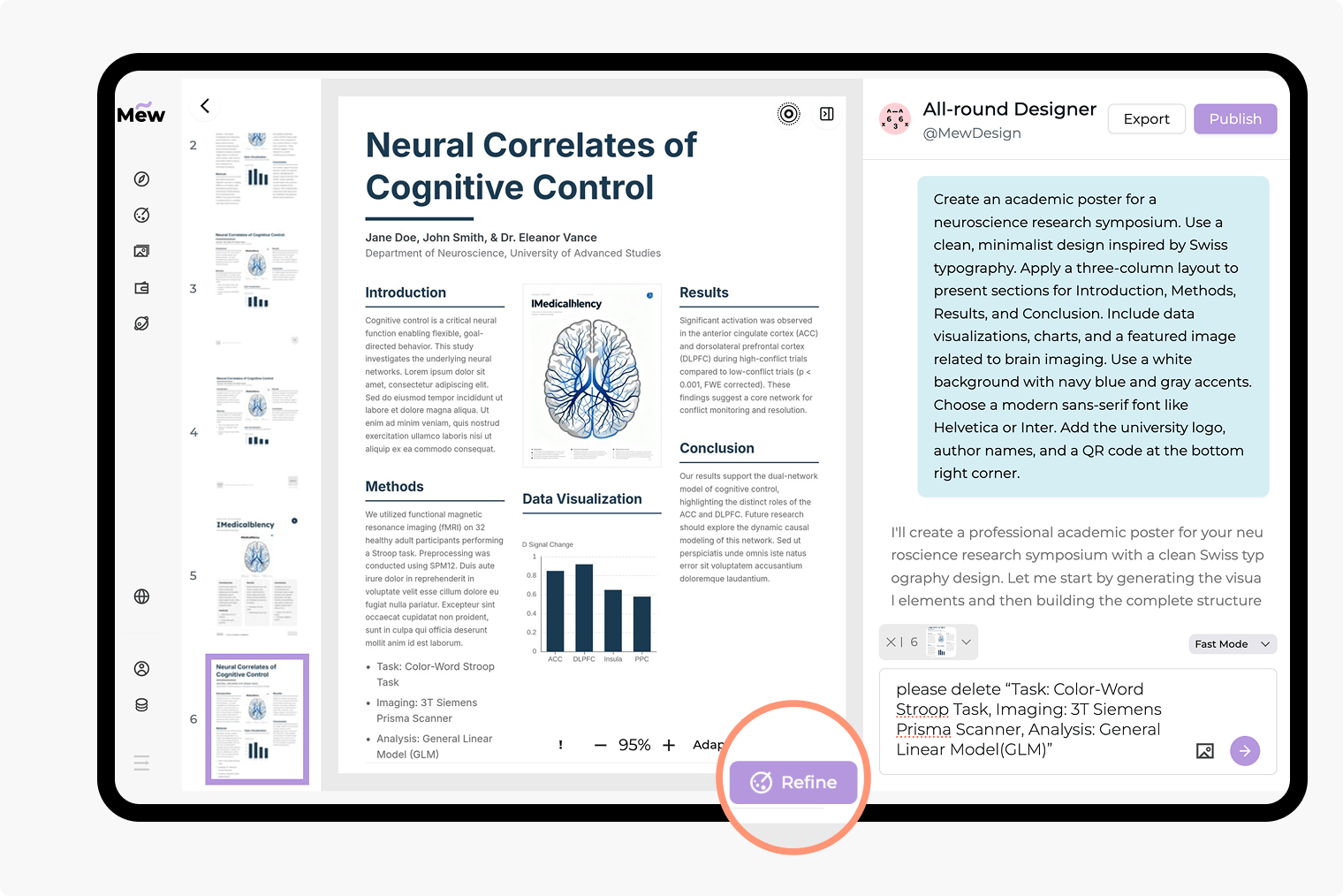
Refine with Follow-up Prompts
Export Your Research Poster
Why Mew Design Is the Best AI Research Poster Maker
From Abstract to Poster in Minutes
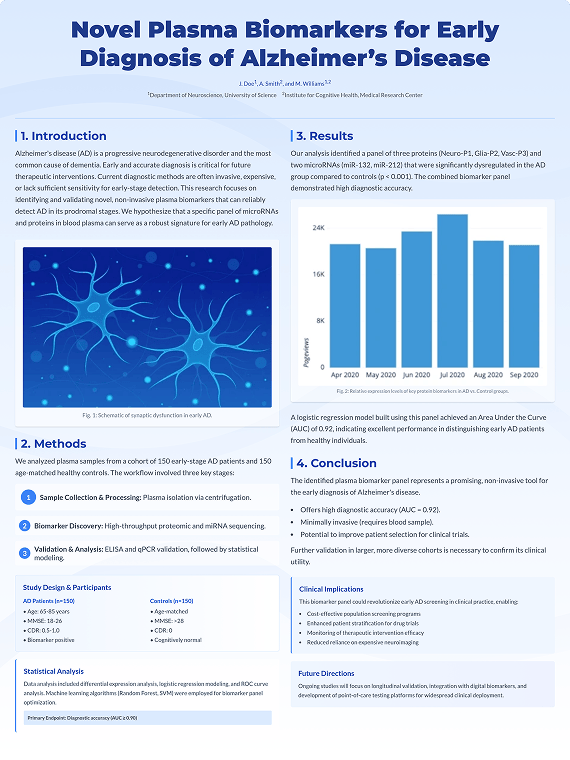
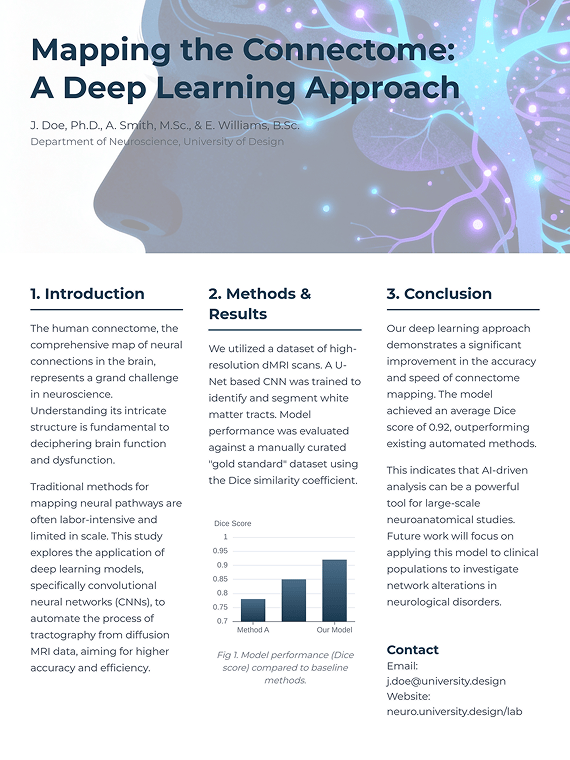
Paste your research abstract, key points, or even a research article URL. Our AI identifies key sections—Introduction, Methods, Results, Conclusion—and automatically builds a structured poster.
Professional Layouts & Perfect Text
Our AI is trained on professional scientific poster designs. It delivers clean, multi-column layouts and crisp, readable text, handling complex terminology and data with little errors or distortions.
Effortless Revisions with Chat
No more fighting with text boxes. Need to add a chart, change your color scheme, or add authors? Just tell the AI. "Add a bar chart for [data]" or "Change the accent color to university blue."
Understands Academic Structure
Our AI doesn't just see text; it understands hierarchy. It correctly formats headlines, subheadings, bullet points, and citations, ensuring your poster is logical and easy to read.
Integrate Your Data and Brand
Easily upload your charts, graphs, tables, and university/lab logos. Our AI will intelligently place and resize them to fit the layout, maintaining a professional and polished look.
Access a Gallery of Academic Templates
Not sure where to start? Browse our community gallery for proven, effective research poster layouts. Find inspiration or use a template from a similar field of study.
How To Write an Effective Prompt for an Academic Poster
- Content & Sections: Clearly list your key sections and paste the text for each (e.g., "Abstract: [text]," "Introduction: [text]," "Methods: [text]," "Results: [text]," "Conclusion: [text]").
- Style & Format (Optional): Specify the layout (e.g., 3-column layout) or style (modern, clean design, traditional academic poster).
- Data & Images (Optional): Reference any charts, graphs, or university logos you've uploaded (e.g., "Place [figure1.png] in the Results section," "Add [university_logo.png] at the top").
- Guidelines (Optional): Include any specific conference or university requirements (e.g., Use a blue and gray color palette, Main body text must be 24pt).
Sample Academic Prompts You Can Modify
Simple (AI decides layout): A research poster for a psychology symposium. Title: 'Cognitive Biases in Decision Making'. Authors: Dr. A. B. Cde. Please use the following Abstract: [paste text here].
Quick Summary (from Paper): Turn my research paper [https://arxiv.org/archive/xxx] into a summary poster. Pull the Abstract, Introduction, and Conclusion as key sections. Title: '...'. Authors: '...'.
Humanities (Text-heavy): A research poster for a literature review. Title: '...'. Authors: '...'. Sections: 'Introduction', 'Key Themes', 'Analysis', 'Further Research'. Style should be traditional and elegant, with a serif font for headings.
Medical Research: A medical research poster. Title: '...'. Authors: '...'. Sections: 'Background', 'Case Study', 'Results', 'Discussion'. Needs space for 3 figures: [figure1.png], [figure2.png], [figure3.png]. Use a green and gray color palette.
Data-Heavy (CS/Stats): A computer science poster. Title: '...'. Sections: 'Abstract', 'Algorithm Overview', 'Performance Metrics', 'Future Work'. The 'Performance Metrics' section must display [table1.png] and [graph1.png]. Layout must be modern.
Detailed (STEM): A 3-column scientific poster for an engineering conference. Title: '...'. Authors: '...'. Sections: 'Introduction', 'Methodology', 'Data Analysis', 'Conclusion'. Use [logo.png] in the header. Use a bar chart [chart_data.png] in the Data Analysis section. Style must be professional and clean.